All Leave Requests
Open Leave Administration > All Leave Requests. Unlike Assigned Leave Requests, this administrative screen can show requests across the organization.
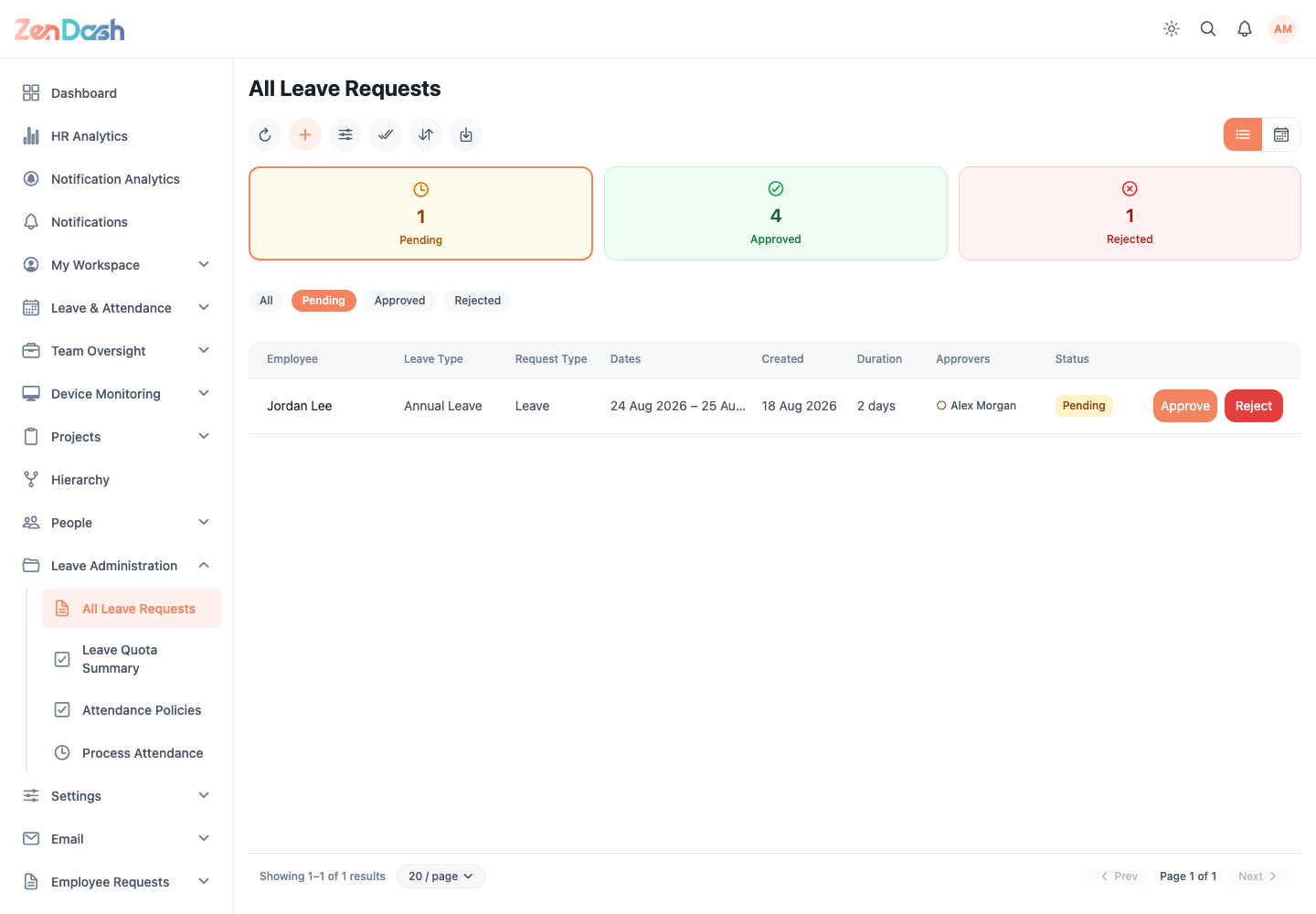
Use list or calendar view, then filter by status, employee, leave type, or dates. Sorting, export, bulk selection, and processing controls appear only when the signed-in account has the corresponding permission.
Select a record to inspect the full request and approval timeline. Pending requests can be approved or rejected from the card or detail view. Add a clear reason when rejecting.
note
Use Team Oversight > Assigned Leave Requests when you only need requests in your own approval queue.